
Overview
Spending Limits allow designated members to spend tokens up to a specified amount without creating a proposal transaction. Useful for operational expenses, recurring payments, and delegated spending authority.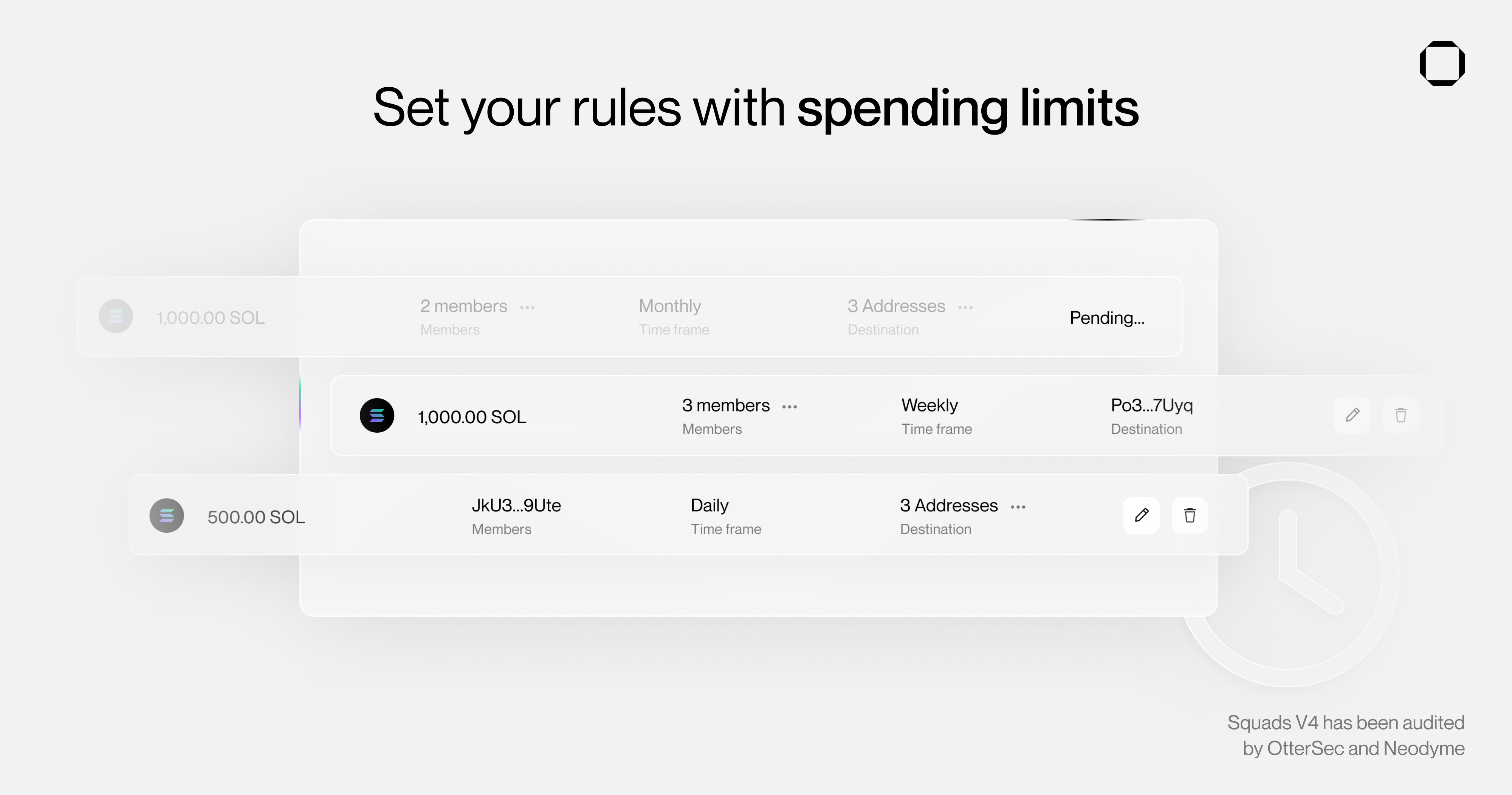
How Spending Limits Work
- Members with spending limits can transfer tokens up to the limit amount
- Limits reset based on the configured period (daily, weekly, monthly), or never for a one-time limit
- No proposal or voting required for transactions within the limit
- Limits are specific to a token mint and vault
Creating Spending Limits
Use Config Transactions to create and remove Spending Limits.Parameters
Period Options
Amount Decimals
The amount respects the token’s decimals:
Example: To set a 100 USDC daily limit: